
Quick Answer
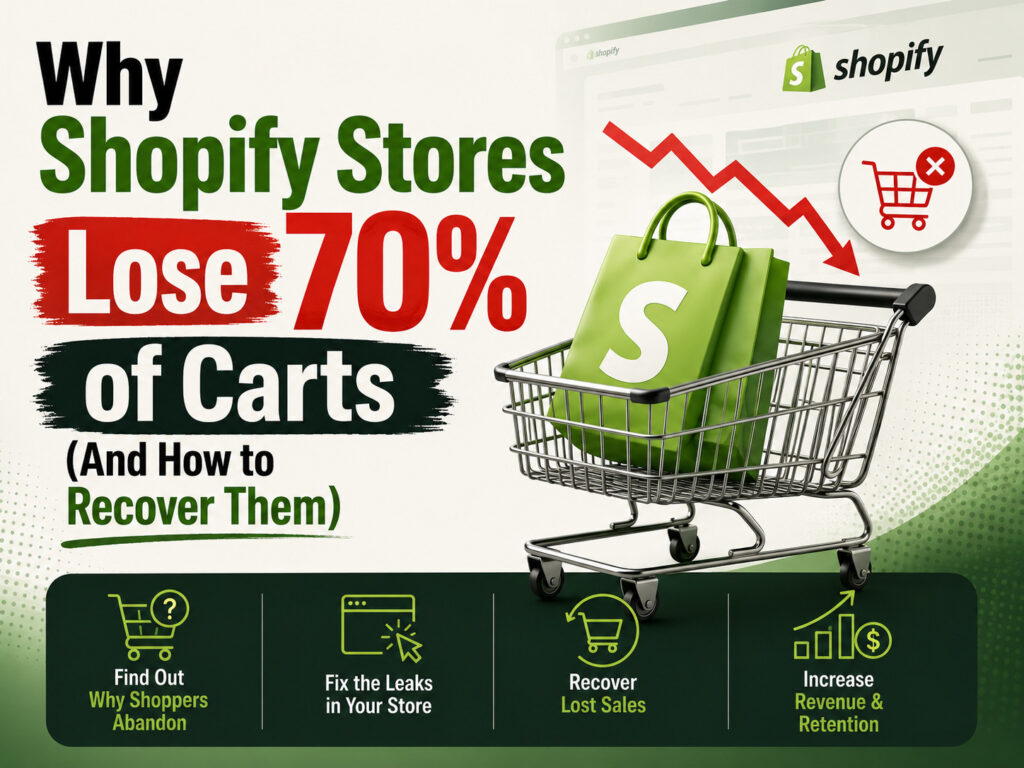
The Shopify cart abandonment problem exists because Shopify’s default checkout still leaves gaps — a single recovery email, forced account friction on some setups, and costs revealed too late all push buyers away right before payment. Around 70% of Shopify carts get abandoned, and most stores never recover them because nothing beyond one basic email is set up to bring buyers back. Fixing it means combining checkout optimization, multi-channel recovery (email + WhatsApp + retargeting), and trust signals at the point of payment.
What Is the Shopify Cart Abandonment Problem?
The Shopify cart abandonment problem refers to the huge gap between customers who add a product to their cart and those who actually complete checkout. On a typical Shopify store, roughly 7 out of 10 carts are abandoned — meaning most of the traffic and ad spend that got a customer to the cart never converts into revenue. It’s one of the most expensive, and most fixable, leaks in an eCommerce funnel. If your store is also losing customers after their first order, our Shopify customer retention problem guide covers what happens after checkout, once a sale does go through.
Why do Shopify stores have high cart abandonment?
Shopify makes it easy to add a product to cart, but checkout still has friction points — unexpected shipping costs, limited payment options, forced sign-ups, or a slow mobile experience. Add in Shopify’s very basic default recovery email, and most stores never win these customers back.
6 Reasons Shopify Stores Lose Carts
What a Good Cart Abandonment Rate Looks Like
What is a good cart abandonment rate for Shopify?
Most Shopify stores sit between 65% and 75% abandonment, so that range is typical, not a red flag on its own. Anything consistently above 80% usually points to a real checkout or trust problem, while stores with a solid recovery system in place can bring abandonment down toward 55–60%.
| Abandonment rate | What it usually means |
|---|---|
| Above 80% | Checkout friction or trust issue — worth auditing immediately |
| 65% – 80% | Typical range for most Shopify stores with no recovery system |
| 55% – 65% | Healthy — recovery emails, WhatsApp, and retargeting are likely working |
| Below 55% | Strong checkout experience with an active multi-channel recovery flow |
How to Recover Abandoned Carts on Shopify
How do I recover abandoned carts on Shopify?
Recovery works best as a sequence, not a single email: an immediate reminder, a follow-up with urgency or social proof, and a final nudge with a small incentive. Layering WhatsApp and retargeting ads on top of email consistently recovers more carts than email alone.
Cart Recovery Checklist
🚩 Signs You Have an Abandonment Problem
- Abandonment rate consistently above 80%
- Only one recovery email active (or none)
- Shipping costs shown only at final checkout step
- No guest checkout option
- No retargeting ads running for abandoned carts
✅ Signs Recovery Is Working
- Abandonment rate trending below 65%
- Multi-touch email + WhatsApp sequence live
- Guest checkout enabled with upfront pricing
- Abandoned-cart retargeting ads active
- Mobile checkout tested and optimized separately
Frequently Asked Questions
Why do Shopify stores have high cart abandonment?
Checkout friction — unexpected costs, forced account creation, limited payment options, and slow mobile checkout — combined with Shopify’s weak default recovery (a single email) causes most abandoned carts to be lost for good.
What is a good cart abandonment rate for Shopify?
Most Shopify stores fall between 65% and 75%. Above 80% usually signals a real checkout problem, while stores with strong recovery systems can bring it down to 55–60%.
How do I recover abandoned carts on Shopify?
Set up a multi-touch recovery sequence across email and WhatsApp, show all costs upfront, enable guest checkout, add local payment options, and retarget abandoned carts with Meta and Google ads.
Does Shopify send abandoned cart emails automatically?
Yes, but only one basic email by default. There’s no built-in SMS or WhatsApp follow-up, and no multi-step sequence unless you add a dedicated app or automation.
What causes cart abandonment on mobile Shopify stores?
Slow load times, too many form fields, small tap targets, and costs revealed late in the process all disproportionately affect mobile buyers, who abandon carts at a higher rate than desktop shoppers.
Final Thoughts
The Shopify cart abandonment problem isn’t really about traffic quality — most of these buyers already showed real intent by reaching checkout. The stores that recover the most revenue are the ones that treat cart recovery as a system: multi-channel follow-up, upfront pricing, a frictionless mobile checkout, and retargeting that catches buyers before they forget why they were shopping in the first place.
Losing Sales at Checkout on Shopify?
We help Shopify stores recover abandoned carts with checkout optimization, WhatsApp and email recovery flows, and retargeting campaigns built to bring buyers back before they forget. Explore our Shopify development and marketing services.
- Shopify checkout optimization
- Multi-touch abandoned cart recovery (email + WhatsApp)
- Guest checkout & local payment setup
- Mobile checkout speed & UX audit
- Abandoned-cart retargeting ads
- Conversion rate analytics & reporting